Run more.
Spend less.
BudgetAI routes every turn to the cheapest capable model, verifies the result, and proves what it saved — across CLI, Web UI, and chat.
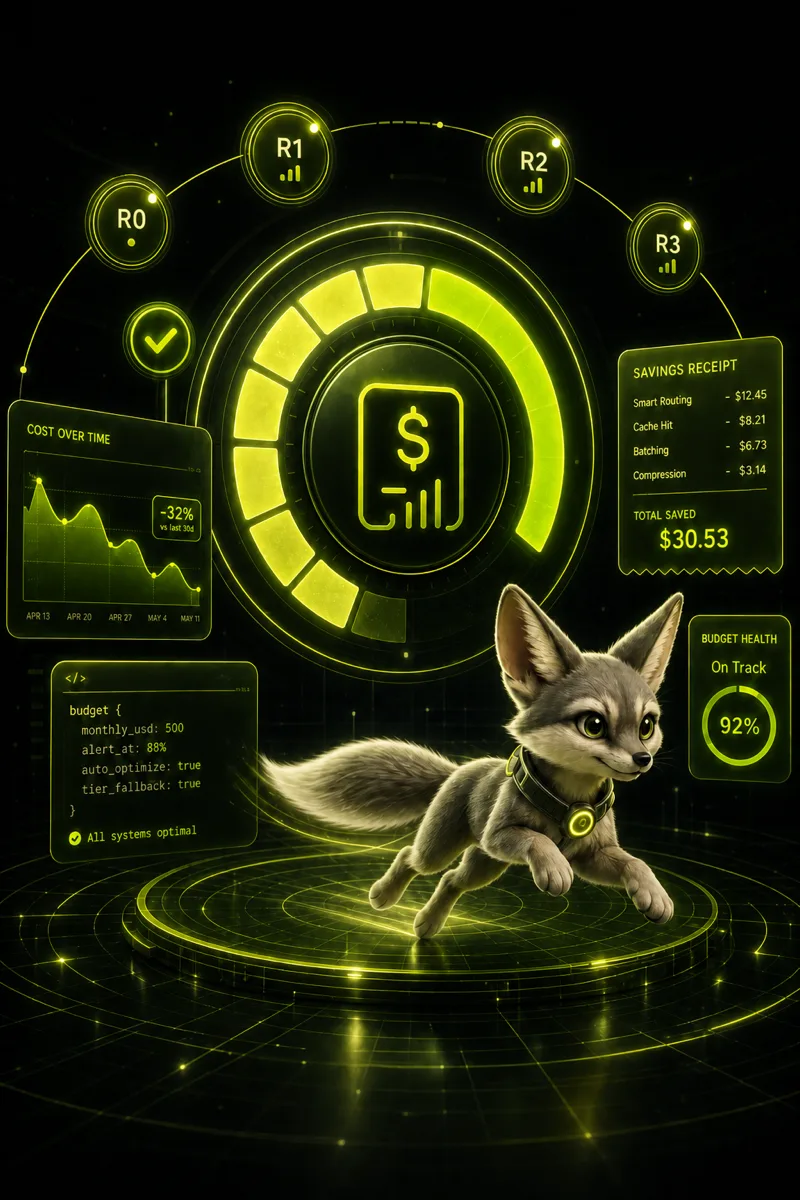

Fast
SwiftFox routes turns in milliseconds — no cloud judge on every message.
Frugal
Every tier earns its cost. Cheap first, expensive only when verified.
Verified
Results pass checks before you pay for a bigger model.
Every turn earns the right model.
BudgetAI reads each message, judges the cheapest capable tier on-device, verifies the result, and only escalates when the work demands it.
Read the message
The full turn is classified by difficulty, risk, context, and intent.
Extract signals
Local rules flag debug work, strict formats, long context, and agentic tasks.
Judge the tier
A small on-device model picks the lowest tier that can finish the work.
Verify, then escalate
The cheap answer is checked. Only failures climb to a pricier model.
Run the model
The chosen tier maps to a concrete provider profile for that turn.
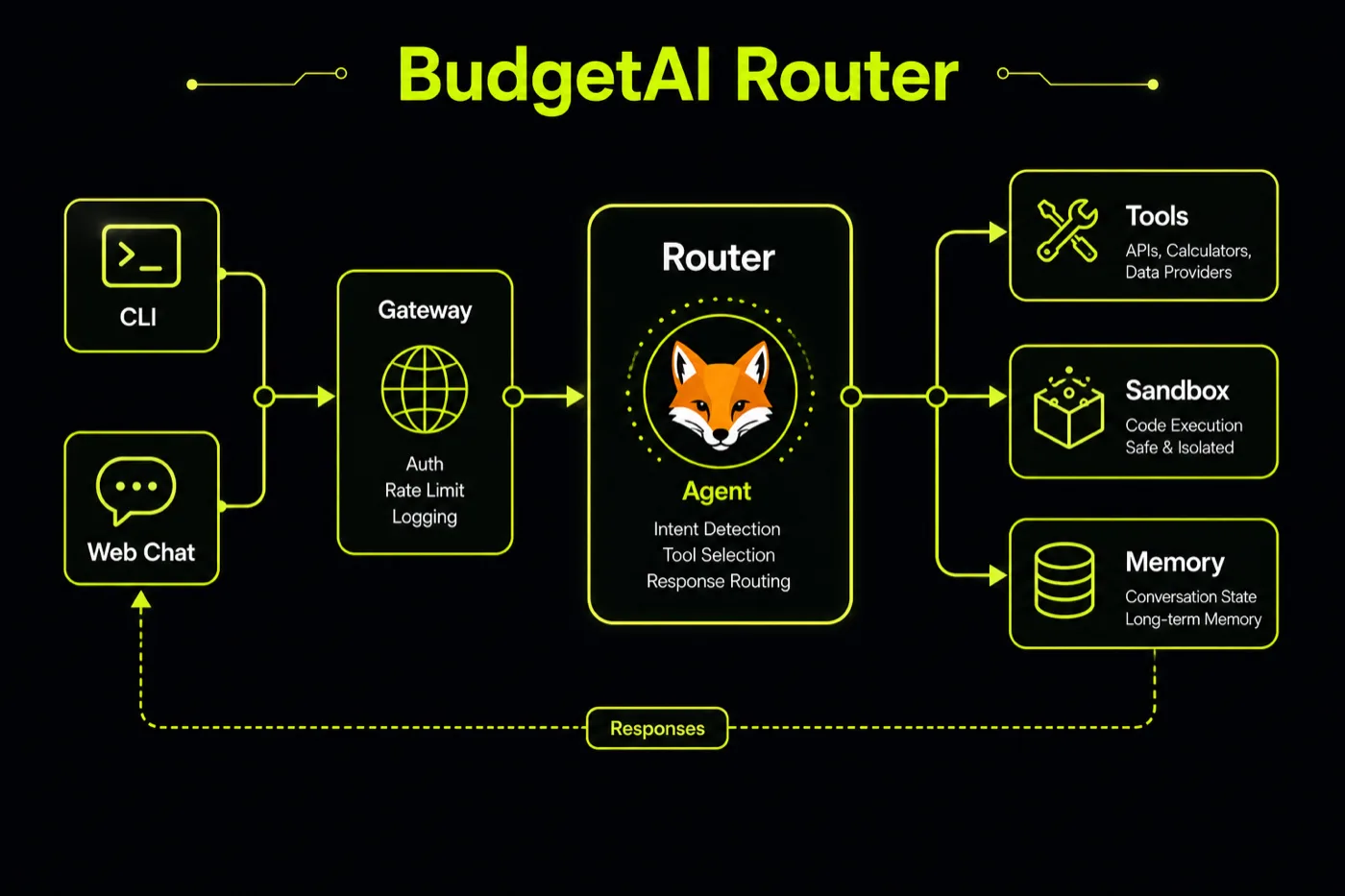
Work is bound to limits, not hope.
Before a task runs, BudgetAI agrees to a goal, a budget, and the evidence it must produce. Every channel gets its own spend ceiling and approval posture.
Goal
Define what done means — tests green, file written, or user-confirmed.
Budget cap
Set a hard ceiling on cost, wall-clock time, and tool rounds per task.
Evidence
Require proof: logs, artifacts, screenshots, or a passing check.
Stop or escalate
BudgetAI halts or asks before it ever breaks the limits you set.

[contract]
goal      = "tests pass in ./api"
max_usd   = 0.25
max_rounds = 8

[evidence]
require = ["test_log", "diff"]

[on_breach]
action = "escalate"Not just tokens. Proof of value.
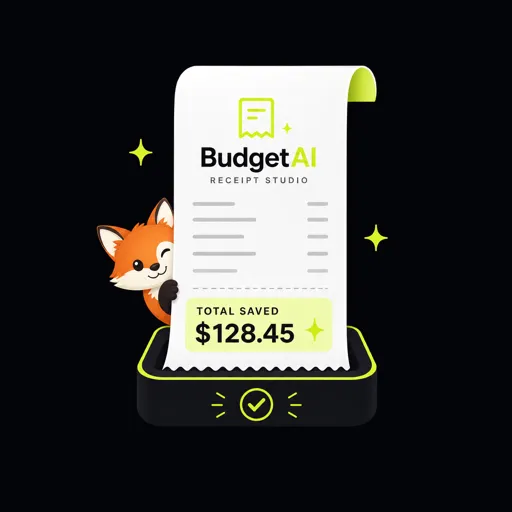
BudgetAI measures what a task actually costs to complete — and gives you a receipt for every run, so savings are something you can show.
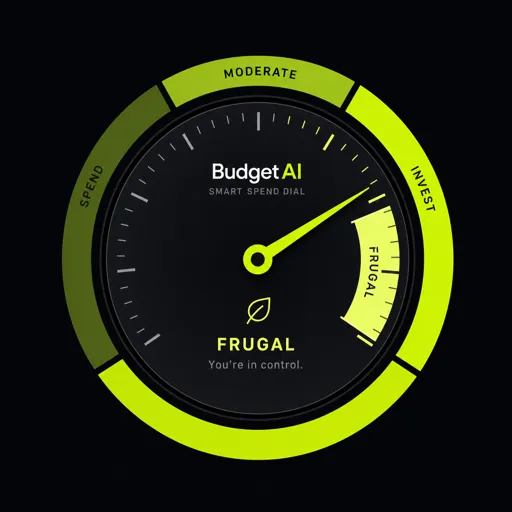
One runtime. Three ways in.
CLI, Web UI, and chat share the same gateway, memory, tools, approvals, and usage accounting.
The shell you already live in
Configure a provider, start the gateway, and run full agent turns from the terminal.
# configure a provider once
$ budgetai onboard
# start the local gateway
$ budgetai gateway run
✓ gateway live on 127.0.0.1:18791
✓ router: on-device
✓ memory + embeddings readyBuilt for long-running usefulness.
Memory persists, tools stay controlled, and context remains focused across extended workstreams.
Tool-result compression
Large outputs stay useful without flooding context. Full results remain on disk.
Personal memory
Facts, notes, and task traces return through local keyword and semantic search.
Layered sandbox
File, shell, web, git, and media tools run behind policy and approval layers.
Meta-skills
Package recurring work as reusable, composable routines loaded only when needed.
Durable sessions
Transcripts, summaries, artifacts, cost, and replay data persist across restarts.
Built-in web search
Bring fresh external context into any turn through a configured search provider.
On-device embeddings
Local ONNX embeddings power semantic recall without sending memory to a remote model.
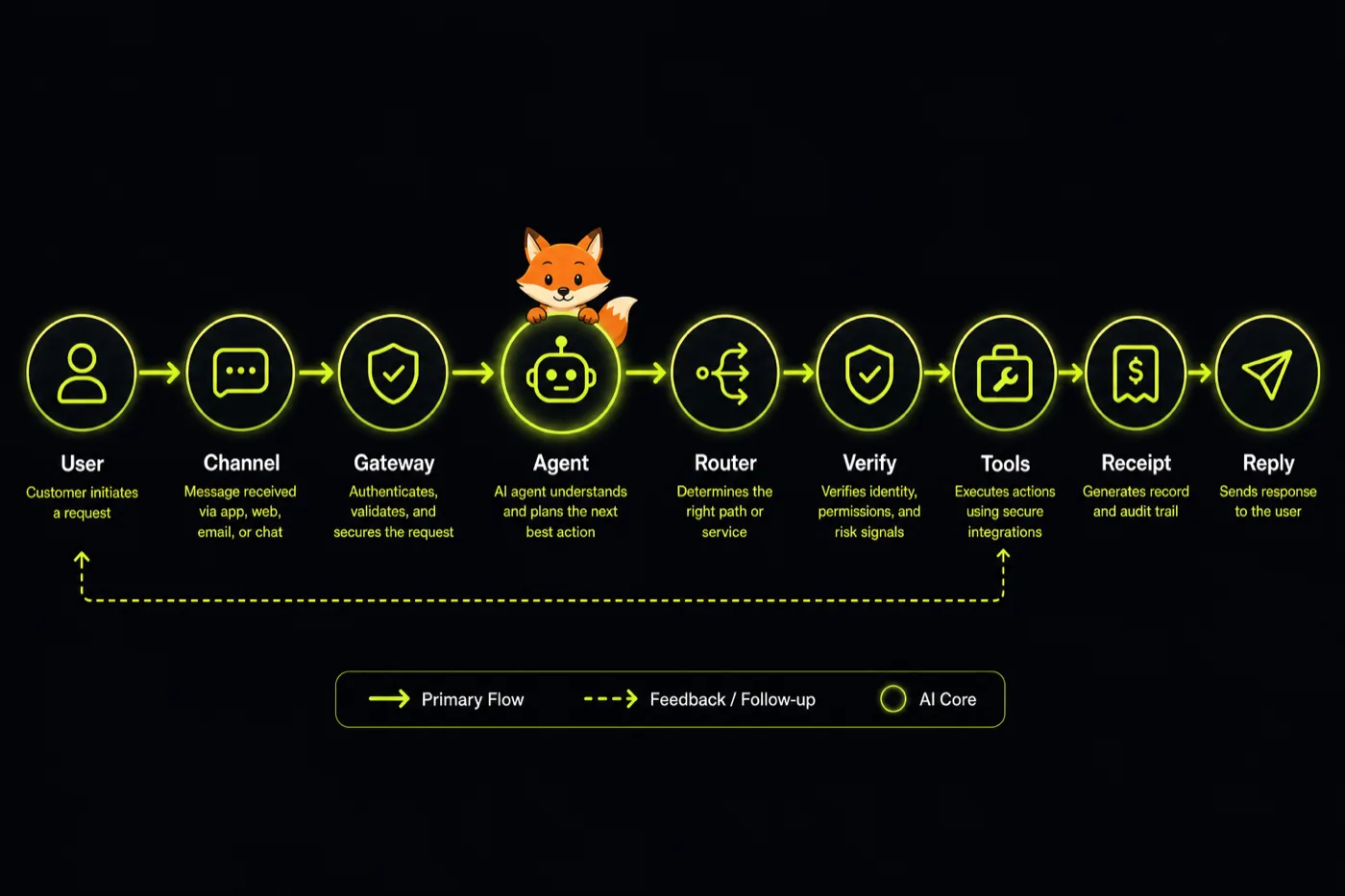
Every message earns a receipt.
From the first user message to the final reply, BudgetAI routes, verifies, runs tools in the sandbox, and closes the loop with a cost receipt.
One schema. Every provider.
Point BudgetAI at the backend that fits the work. Switching never requires application code changes.
Running in minutes.
Windows, macOS, and Linux use the same setup path. Install once, then route every surface through one budget-aware runtime.
Install uv
BudgetAI installs into an isolated tool environment and manages its own Python.
curl -LsSf https://astral.sh/uv/install.sh | sh
. "$HOME/.local/bin/env"Install the runtime
Pull the recommended profile — router plus the on-device memory stack.
uv tool install --python 3.12 \
"budgetai[recommended]"Connect a provider
Run the onboarding wizard to pick a backend and set your key.
budgetai onboard
# non-interactive:
budgetai onboard --provider openrouter \
--api-key-env OPENROUTER_API_KEYRun the gateway
Start the shared runtime, then open the local control console.
budgetai gateway run
# → http://127.0.0.1:18791/control/Run your first turn
Chat interactively, or fire a single one-shot turn under a budget.
budgetai chat
# or one-shot:
budgetai agent -m "Summarize the README here"Trade $BUDGET on the way up.
BudgetAI is built to save tokens — and the community token celebrates every dollar spared. Launch details coming soon on budgetai.fun.
The AI that counts every token.
Route each turn to the lowest-cost model that can complete it reliably — and prove what you saved with a receipt.